Getting started
Your first five minutes
You landed on the map and the screen is full of dials. Five minutes is enough to walk away with one saved shortlist and a working sense of how the pieces fit together. Read in order, do the steps in order.
Minute one — look at the country
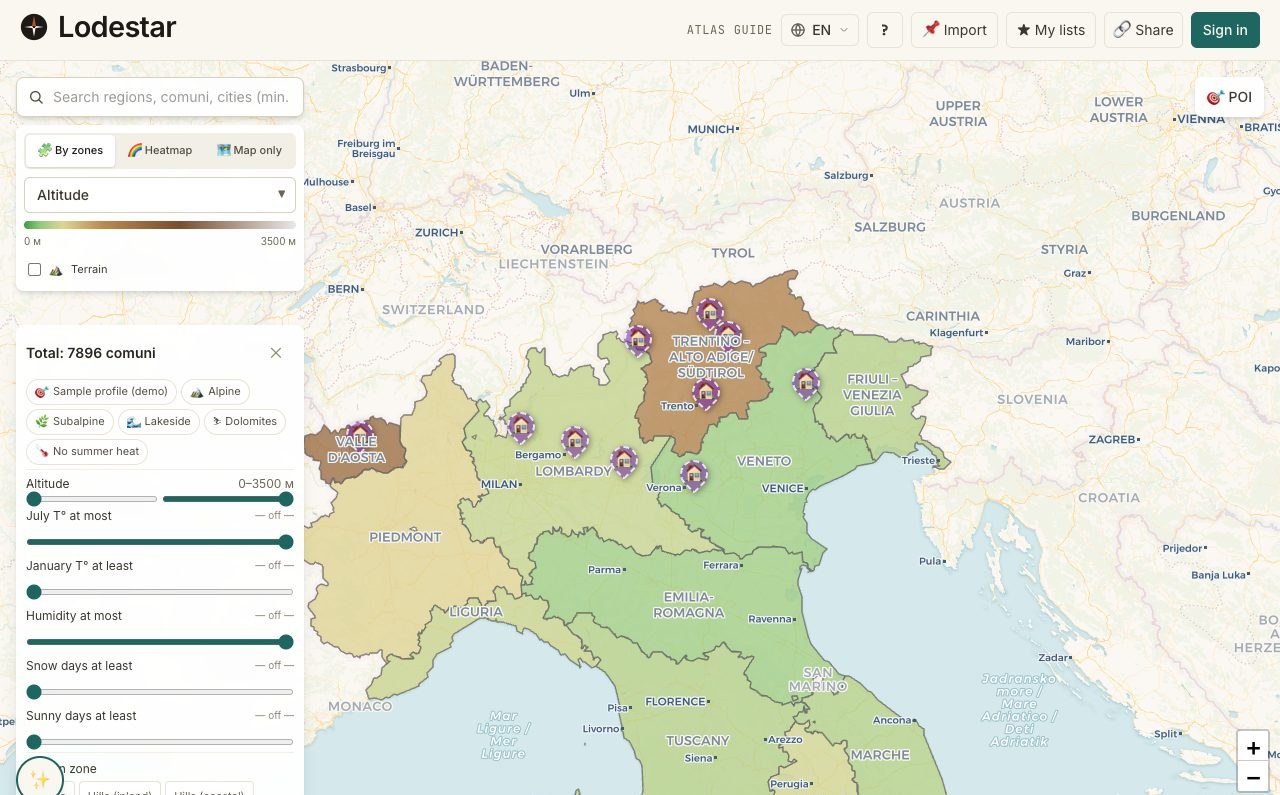
Resist the urge to filter immediately. Pan and zoom around the country first. Watch how the choropleth shading clusters: warm bands here, cold bands there, dense pin coverage in the obvious places.
Minute two — click one location
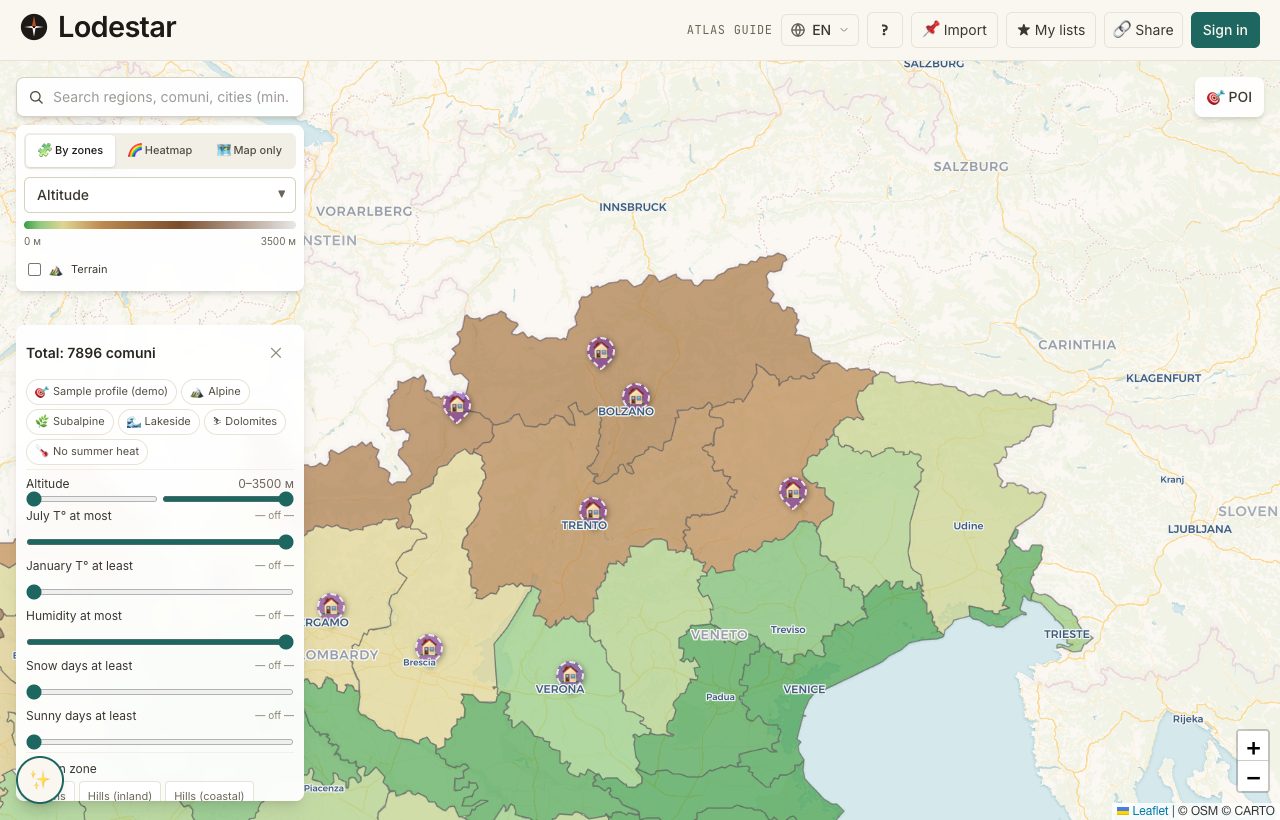
Click any location that looks interesting. The details panel opens. Glance at the rows. Do not memorize them. You are training your eye on what a full panel looks like, so that later, an empty row jumps out.
Minute three — set one filter
Open the filters panel. Set just one — the filter you care about most, usually January temperature or hospital distance. Watch the map dim. Most of the country fails most filters; that is normal, and it is useful.
Minute four — switch the choropleth
Tap the layer switcher. Cycle through two or three shadings. The green band moves around the country: different metrics highlight different regions. This is the first sign that "the best place" depends on what you are asking for.
Minute five — save one location
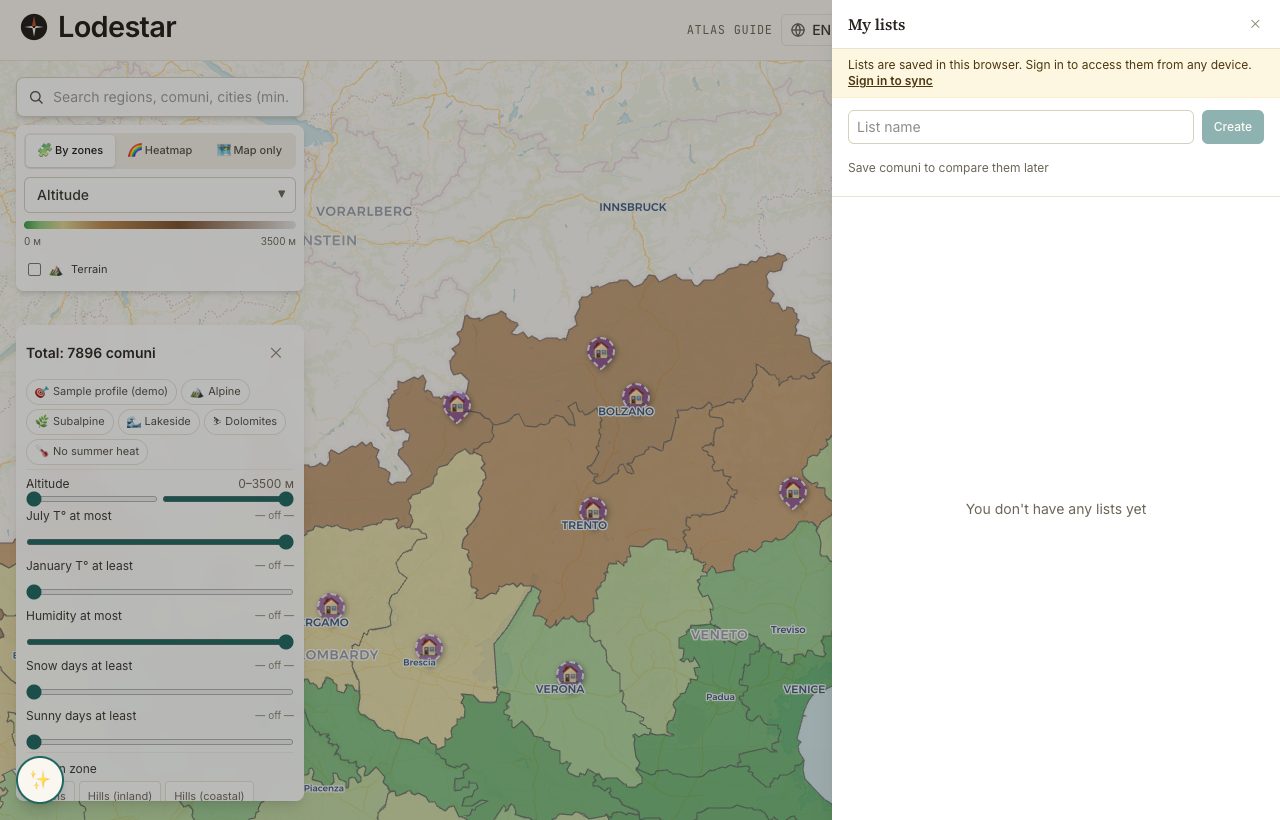
Click a location that looks promising. Hit Save. Open the shortlist drawer — your saved location is there. One-entry shortlist, a feel for the dials, an idea where to go next. That is the on-ramp done.
Frequently asked
I cannot see my saved location on the map.
The map sits wherever you panned to last. Open the shortlist drawer and tap "Show on map" — the view re-centres on your saved locations.
The filters do not seem to do anything.
Two possibilities. Either every location passes the range you set (try tightening), or the metric is missing for the country (open any location and look for the row). A greyed-out track on the filter is the second case.
Why is the map slow on my phone?
The first load pulls down the country geometry — that is by far the heaviest payload. Once it is cached, subsequent navigation is fast. Refreshing the page after the first load gives you the cached version.
Verified · 2026-05-26