Getting started
Guest vs account
Most of the map works without an account. A handful of features do not. It is worth knowing which is which before you spend an hour saving things into local storage that will not follow you to your phone.
What works as a guest
- Filters — all of them. URLs encode filter state.
- Choropleth layers — switching, reading, hovering the legend.
- POI layers — turning categories on and off.
- Details panel — opening any location, reading all metrics.
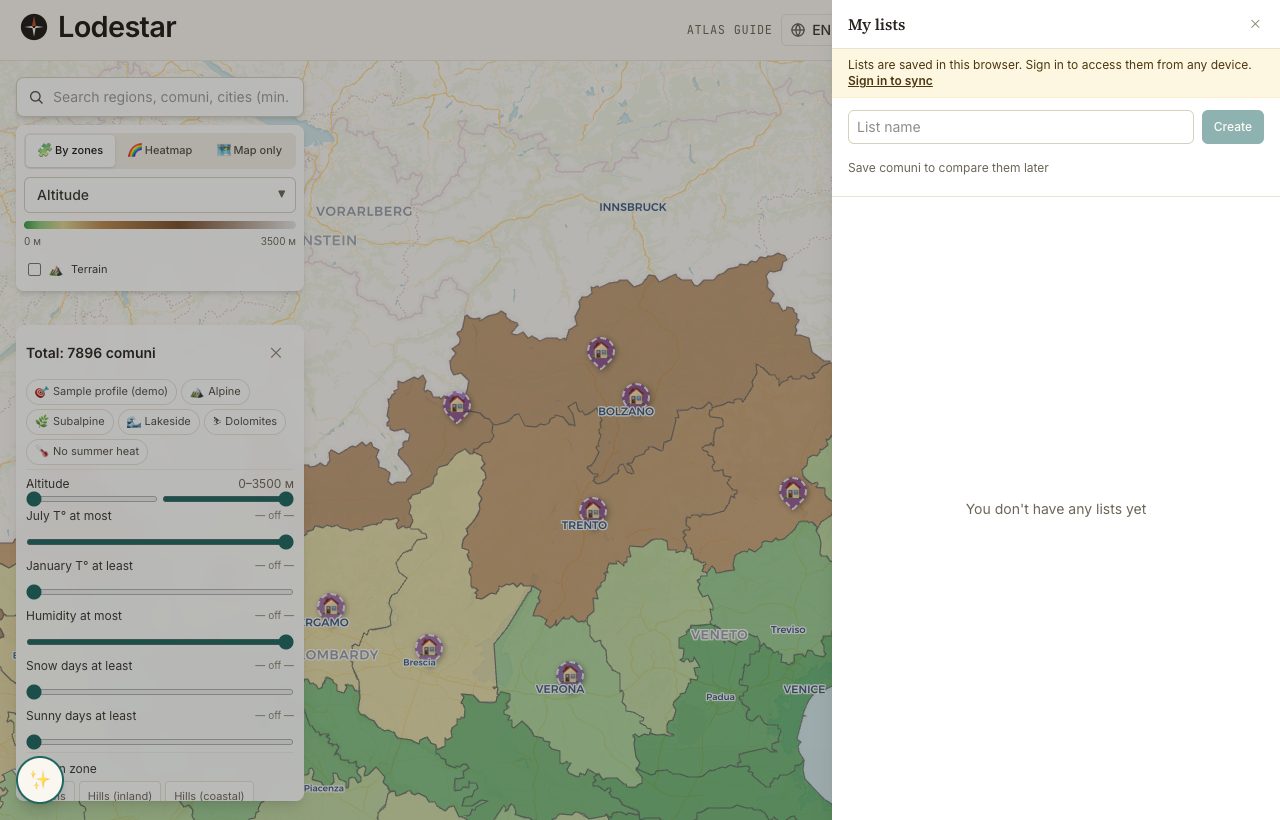
- Shortlist — creating lists, adding entries, exporting CSV. Stored in your browser.
- Compare table — full functionality. URLs encode the selected locations.
- Visit planner — works on any shortlist, exports a Google Maps link or GPX.
- Demo pins — a sample set in the most data-rich country, read-only.
What an account adds
- Pins — personal, account-bound. Bulk import lands here.
- Annotations — sticky notes on the map. Tied to your account.
- Sync — shortlists follow you across devices and browsers.
- Saved data — your search history, used by the AI helper to ground its answers.
Signing in does not transform the feature surface; it lets the map remember things between devices. If you plan to do all the work in one browser on one machine, you can postpone the account indefinitely.
What happens when you sign in mid-search
Guest shortlists transfer to your account the first time you sign in. The transfer is automatic; existing entries pop into the drawer within a second. Filters, compare URLs, and visit-planner outputs do not need transferring at all — they live in URLs you can share or bookmark.
Frequently asked
Do I need an account to use the AI helper?
No, but the helper has less to ground on without one. Signed in, it sees your shortlist history and the active country. Signed out, it only sees what is on screen this session.
If I clear cookies, do I lose my guest shortlist?
Yes. Guest data lives in your browser only. If anonymity matters to you, accept the risk and back up your work by emailing yourself the compare URL.
Why is sign-in by magic link or Google only?
Passwords are a worse experience for a tool you may open once a month. Magic links and Google cover the use case without forcing a password manager on anyone.
Can I delete my account?
Yes. The account page has a delete-account action that removes pins, annotations, and account-stored shortlists. After a thirty-day grace period, the action becomes irreversible.
Verified · 2026-05-26