Getting started
What the map is for
The map is a working surface, not a brochure. You arrive with a country in mind and walk away with a shorter list of places worth visiting. Everything else in the product orbits around that one job.
What the map shows
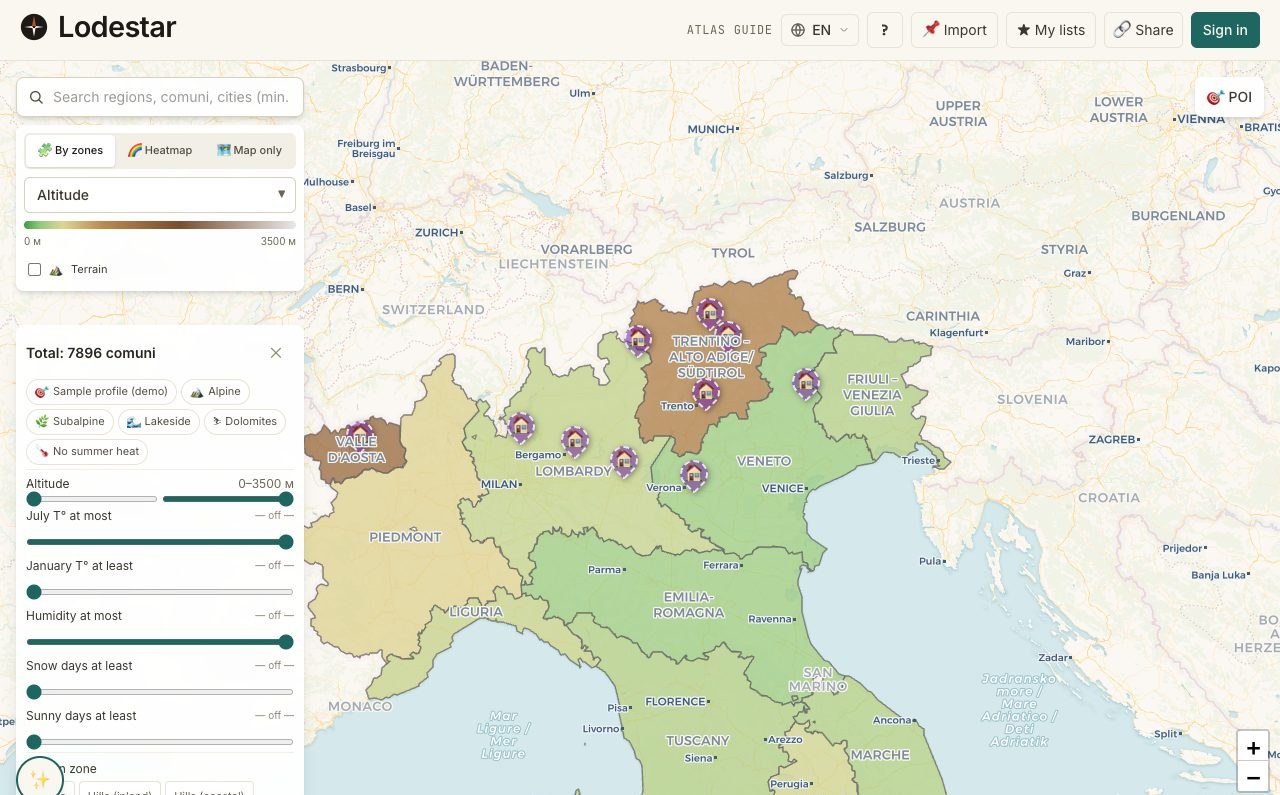
A country broken down to the level of an individual location: a town, a village, a comune. Each location carries a panel of metrics: climate, infrastructure, internet, taxes, demographics. Layered on top of that: shaded colours for one metric at a time, plus dots for hospitals, schools, stations.
And on top of the country data, your own work. Pins for listings you cared about. A shortlist of locations you are seriously considering. Annotations you scribbled after a trip.
What the map deliberately does not do
- It does not rank places for you. The compare table highlights best and worst per metric, but a single overall "score" is not produced — your priorities are your own.
- It does not show real-estate listings as a layer. Listings come from outside services; the map accepts them as pins but does not run a search against them itself.
- It does not give legal or tax advice. It surfaces inputs. The decisions you actually commit to belong with a country-licensed professional.
- It does not work offline as a primary mode. The country data caches well, but expect the map to be a connected tool first.
When to use the map
After the quiz, once a country is in mind. Or after a friend planted an idea you want to verify. Or — if you started by browsing property — at the moment you realize you have ten tabs open and need somewhere to put them.
The map is less useful before any country is in mind. For that early stage, the quiz and the Atlas country pages do better work. The map's job starts once the "which country" question is mostly answered.
Where help lives
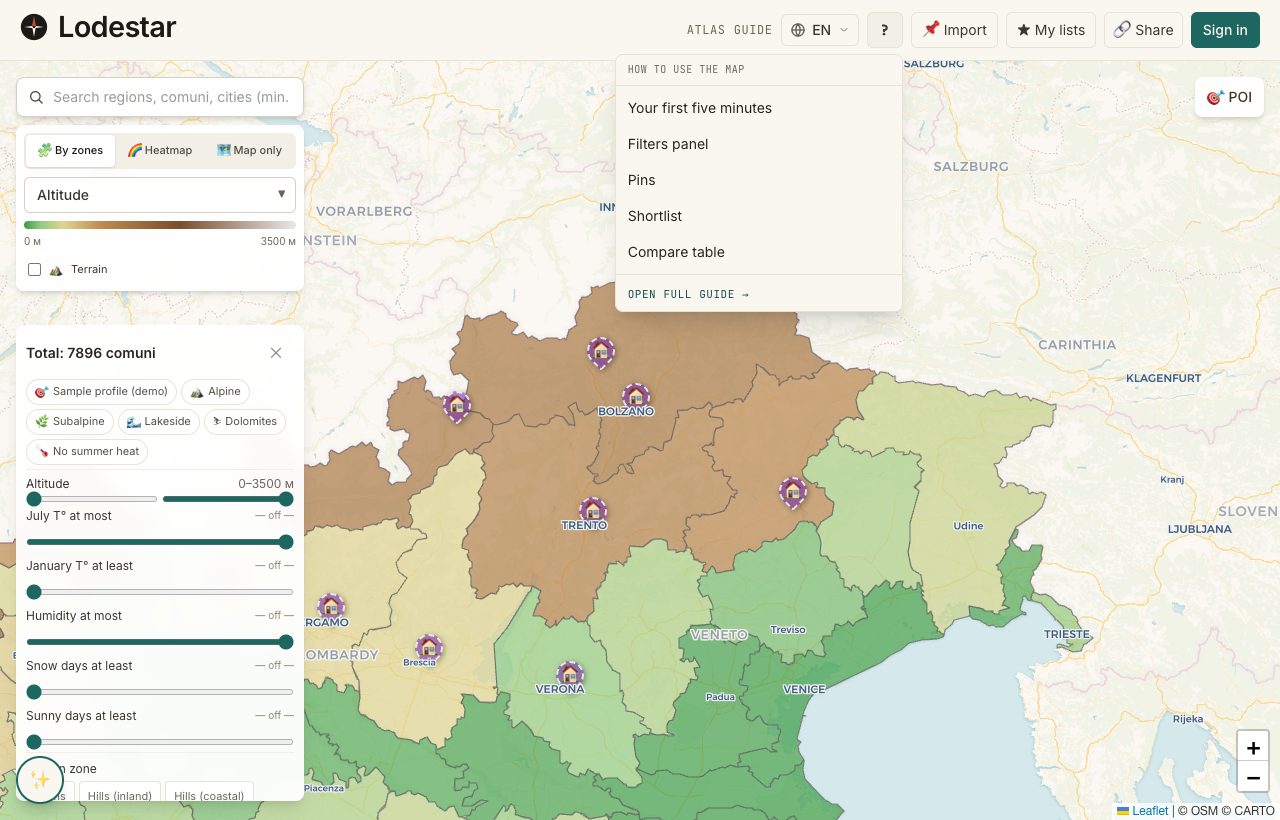
You will not have to hunt for documentation. The question-mark icon sits in the global header on every page; the dropdown shortcuts the five articles people open most, plus a link into the full Field Guide. If you would rather browse, the Guide entry in the top navigation goes straight there.
Frequently asked
How many countries does the map cover?
Coverage expands over time. Italy has the deepest data layer today; other countries carry a thinner set of metrics that fills in as research finishes. The Atlas country list shows the current state per country.
Do I need an account to start?
No. Filtering, shortlists, and compare all work without one. Pins and annotations require an account. Signing up can wait until the moment you want to save your work to a different device.
Where does the data come from?
A mix: public datasets (ISTAT-style statistical offices, OpenStreetMap, public-health registries), proprietary research, and verified manual entries. Every metric in the details panel shows its source.
Verified · 2026-05-26