Reference
Details panel — twenty-two metrics for one location
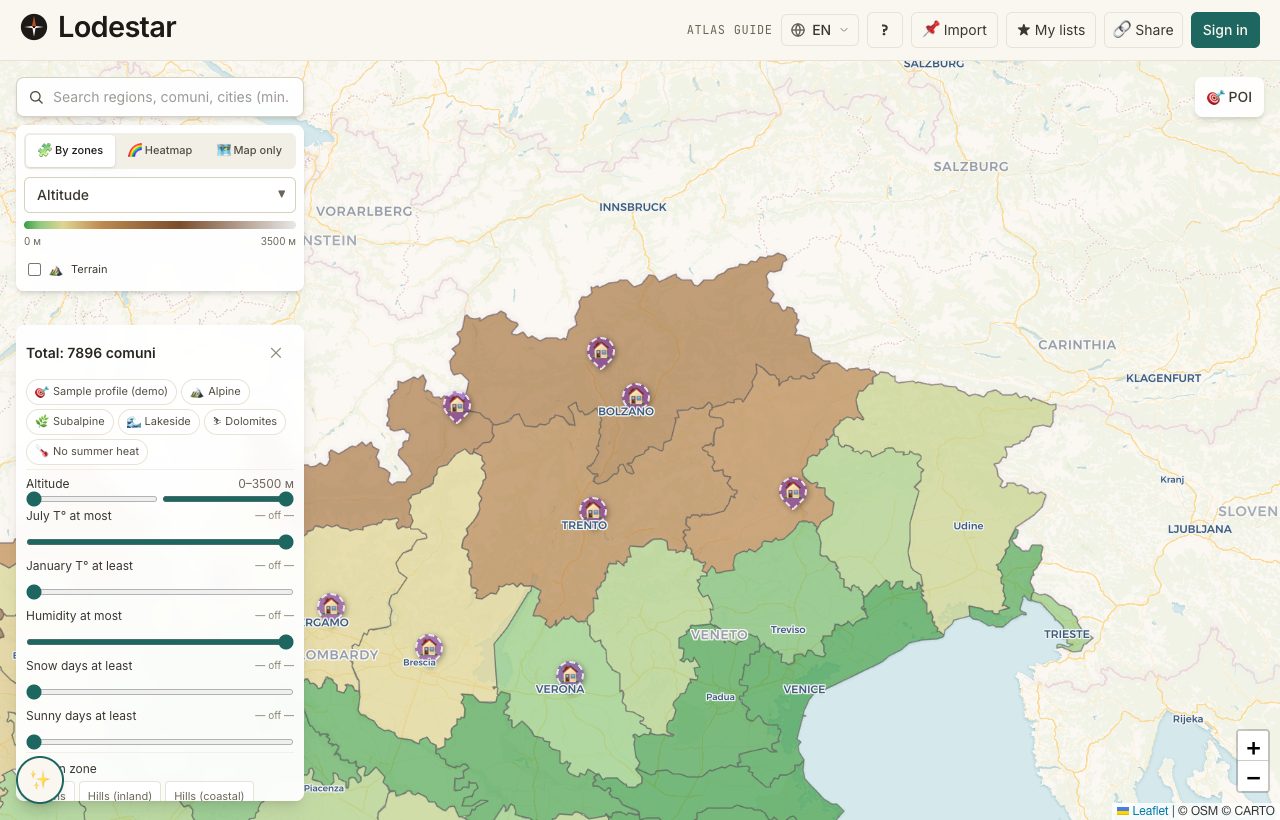
Click any location on the map and a side panel slides out. One page, one question: what is this place actually like? Twenty-two metrics, the buttons to save and compare, and a way back to whatever you were doing before.
Where to find it
A left-click on any location opens the panel. So does tapping a result in the search bar, clicking "Metrics" inside a pin popup, or following a shortlist link. On desktop the panel docks to the right; on mobile it covers the lower two-thirds of the screen as a bottom sheet.
How it works
The panel groups its 22 metrics into 6 blocks: geography, climate, infrastructure, internet, taxes, and demographics. Each metric carries its source as a small note underneath the value. Click the source note to open the dataset description.
Actions attached to the panel
- ★ Save — adds the location to your active shortlist. Click again to remove.
- ⊞ Compare — drops the location into the compare buffer (up to five). The compare bar appears at the bottom of the screen.
- 📌 Pin this — opens the dialog to attach a pin with notes and an optional URL. Requires sign-in.
- ↗ Open in Atlas — navigates to the country article in the encyclopedia.
A small carret in the corner of each metric group collapses it. The state is local to the session — close and reopen the panel and everything is expanded again.
What to keep in mind
The panel does not auto-update if the underlying data refreshes. If you keep the panel open for hours and we ship new data, you will still see what was loaded when the panel opened. Close and reopen to pick up new values.
Frequently asked
What does a small flag next to a value mean?
The flag marks a value as either provisional (the data source has a known lag) or verified (a human checked it against the source within the past quarter). Hover the flag for the exact label.
Can I compare two locations side by side from the panel?
Yes — click Compare on each location. The compare bar at the bottom collects them; tapping "Compare →" opens the full table.
Why is the panel so tall on mobile?
On phones the panel is a bottom sheet with three snap points: peek (one row visible), half-screen, and full. Drag the handle at the top or tap it to cycle through.
The source link goes to a 404. What do I do?
Source URLs are stored with the dataset and sometimes rot. If you find a broken one, the fastest path is the feedback button. We keep a list and refresh links in batches.
Verified · 2026-05-26